Letting someone know you’re nearly home is a kind, useful thing. Being made to share where you are, all the time, is not. This article is about keeping location sharing in the first category: deliberate, short-lived and with people you chose.
It’s general information, not personal safety advice. If you are in danger, call 999.
Decide what the person actually needs
Often the answer is less than you think. Someone picking you up from the station needs to know when you’ll arrive, not where you are every minute. Someone waiting at home needs “ten minutes away”, not a map. That’s why ETA’s default is a simple email when you’re within the distance or time you chose. The live ETA link, which shows your latest position, is optional, and it ends when the journey ends — after 24 hours at the very most.
A few habits help:
- Share for a journey, not for ever. Time-limited sharing is easier to forget about safely than a permanent setting.
- Share with people, not with groups you don’t control. A family group chat might include more people than you’d tell your exact route to.
- Use a nickname for places. “Home” tells the right person what they need without spelling out an address. In ETA the destination itself stays on your phone.
The Suzy Lamplugh Trust gives the same basic advice for getting about: plan your route and update someone on your plans.
Check what is already sharing your location
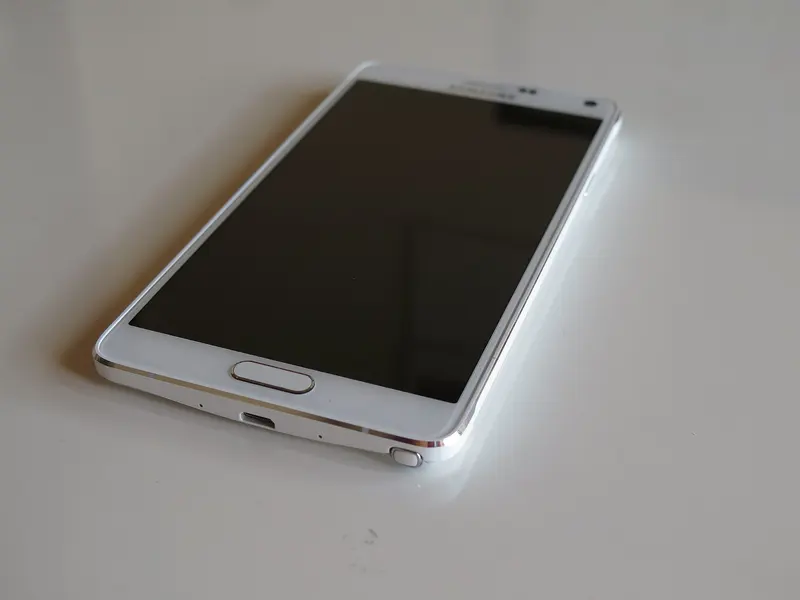
Many phones share location in more ways than people realise. Refuge’s location privacy guide lists the usual routes:
- Your phone account. Apple ID and Google accounts have find-my-phone features; anyone who can sign in to your account can see where the phone is. Family sharing is another route.
- Apps. Many apps use location, and some share it with other people, including social media apps.
- Photos. Pictures can store where they were taken.
- Cars, trackers and spyware. A car’s navigation system, a small tracker hidden in a bag or gift, or spyware installed by someone with access to your phone.
On iPhone you can review every app’s access in Settings › Privacy & Security › Location Services. Apple explains the choices: Never; Ask Next Time Or When I Share; While Using the App (only while it’s visible on screen); and Always, which includes when the app is in the background. Anything set to Always deserves a second look.
ETA itself can’t track you in the background. Web apps only get location while they’re open on screen, and when you close ETA or lock the phone, it stops.
When sharing stops being your choice
Wanting to know you got home safely is normal. Insisting on seeing where you are at all times, getting angry when you switch sharing off, or checking your phone is different. GOV.UK’s domestic abuse guidance says abuse is not always physical, names coercive control, and lists having your internet or social media use monitored, or someone else reading your texts and emails, among the signs.
If this sounds familiar, the National Domestic Abuse Helpline (run by Refuge) is free, confidential and open 24 hours: 0808 2000 247. If you’re in immediate danger, call 999 — if you can’t speak on a mobile, GOV.UK explains you can press 55 when prompted.
Before you change settings
Refuge gives an important warning in its guide: switching off tracking or tightening privacy settings can alert the person doing it, and they may escalate. Removing tracking can also destroy evidence. Its advice is to read its safety information first, report to the police and ask them to check the device. If you need to get in touch, consider using a safer device, such as a friend’s phone.
How ETA fits
ETA is built for the friendly case: you decide who to tell, those people confirm once that they want your alerts, and you can stop at any time. Contacts can opt out of your alerts in one click, too. It is a convenience, not a safety service — nobody monitors it and emails can be late. Read more on our safety page and in the privacy notice.
- GuideSafety: what ETA is and isn’tETA is not an emergency service. How to use arrival alerts sensibly, who to add as a contact, and what to do if you’re worried.
- GuideETA questions and answersAnswers about ETA: cost, accounts, iPhone and Android, battery, privacy, contacts, live links and the alarm.
Sharing where you are should always be something you do, not something done to you.