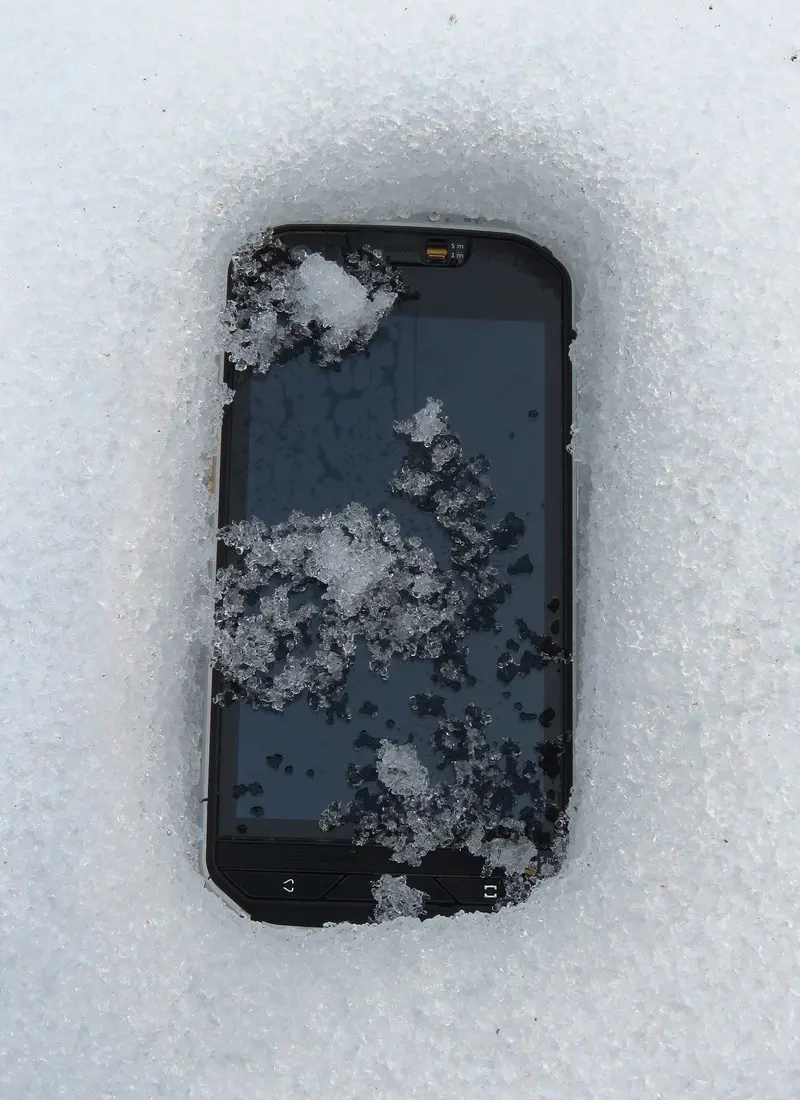
Winter is hard on phone batteries. A phone that would easily last a long journey in October can drop sharply while you wait on an exposed platform in January. For an app like ETA, which keeps the screen on and uses location for the whole trip, that matters — so here’s what the cold actually does, and what helps.
What the cold does
Apple’s guidance is clear about the numbers. iPhones and iPads are designed to be used at ambient temperatures between 0ºC and 35ºC, and stored between -20ºC and 45ºC. Outside the operating range, very cold conditions may temporarily shorten battery life and could make the device turn off. A cold device may also refuse to charge, or stop charging part-way. If the Lock Screen shows “Charging On Hold”, Apple says the device is too hot or too cold to charge and will carry on once it’s back to a normal temperature.
The reassuring part is Apple’s note that battery life returns to normal when the device is back in a warmer place. Cold doesn’t usually do lasting harm; it just makes the battery less able to deliver power while it’s cold.
Android phones use the same kind of lithium-ion battery, so it’s sensible to expect similar behaviour; check your phone maker’s own guidance for exact figures.
Why journeys use more battery
On a normal day your phone spends most of its time asleep. On an ETA journey it’s doing three demanding things at once:
- The screen stays on. ETA asks the phone to keep the screen awake, because browsers only send location to pages that are on screen. Our page on why the screen has to stay open explains this.
- Location is in constant use. Satellite positioning, plus Wi-Fi and mobile signals, all work hard when you’re moving.
- Mobile data comes and goes. Searching for signal in rural stretches or tunnels uses power too.
Add a cold pocket or platform and the battery can run down faster than you’re used to.
Practical ways to keep going
- Start full. The Met Office’s winter travel tips include carrying a fully charged phone and a charger. It’s good advice for any winter journey, not just driving.
- Keep the phone close to you. An inside coat pocket keeps it warmer than a bag or an outside pocket. Take it out when you start the journey, not ten minutes before on a freezing platform.
- Turn the brightness down. ETA keeps working with a dim screen. Brightness is one of the biggest drains on a phone that’s kept awake.
- Use a power bank on long trips. If the phone shows Charging On Hold because it’s cold, warm it up first; it will start charging again on its own.
- Close things you don’t need. Video and games in other tabs compete for battery — and switching away from ETA stops its location updates anyway.
- Plan for the phone dying. Know the name of your stop and roughly when you should arrive. If you’re meeting someone, agree a time as well as an alert.
The Suzy Lamplugh Trust makes a related point for personal safety: keep your phone charged so you can stay in touch. If you’re heading home late, that’s more important than any app.
What ETA does when the battery is low
ETA can’t change how your phone manages power. If the phone switches to a power-saving mode, it may refuse to keep the screen awake, and the journey screen shows the screen lock as refused. If the phone turns off, ETA stops; there is no background part that carries on without it. Contacts waiting for a “nearly there” email won’t get one, which is one reason we say ETA is a convenience, not a safety service.
If you’re relying on someone knowing you got home, agree a back-up: “If you haven’t heard by half ten, ring me.” A dead battery shouldn’t turn into a worry.
Before you set off this winter
- Charge fully before leaving, and pack a cable or power bank.
- Press Test the alarm in ETA and check the volume.
- Keep the phone warm until you need it.
- Check the tips for commuters for choosing alert distances.
 · 3 min readCycling home in the dark: lights, reflectors and the Highway CodeFrom late autumn, many cycle commutes end after sunset. What the Highway Code says you must have on your bike at night, what it recommends you wear…
 · 3 min readPassenger Assist: booking help with a train journeyIf you need help getting on or off a train, finding your way through a station or with luggage, Passenger Assist can arrange it. How to book, how…
A little preparation means the cold costs you some battery, not your stop.